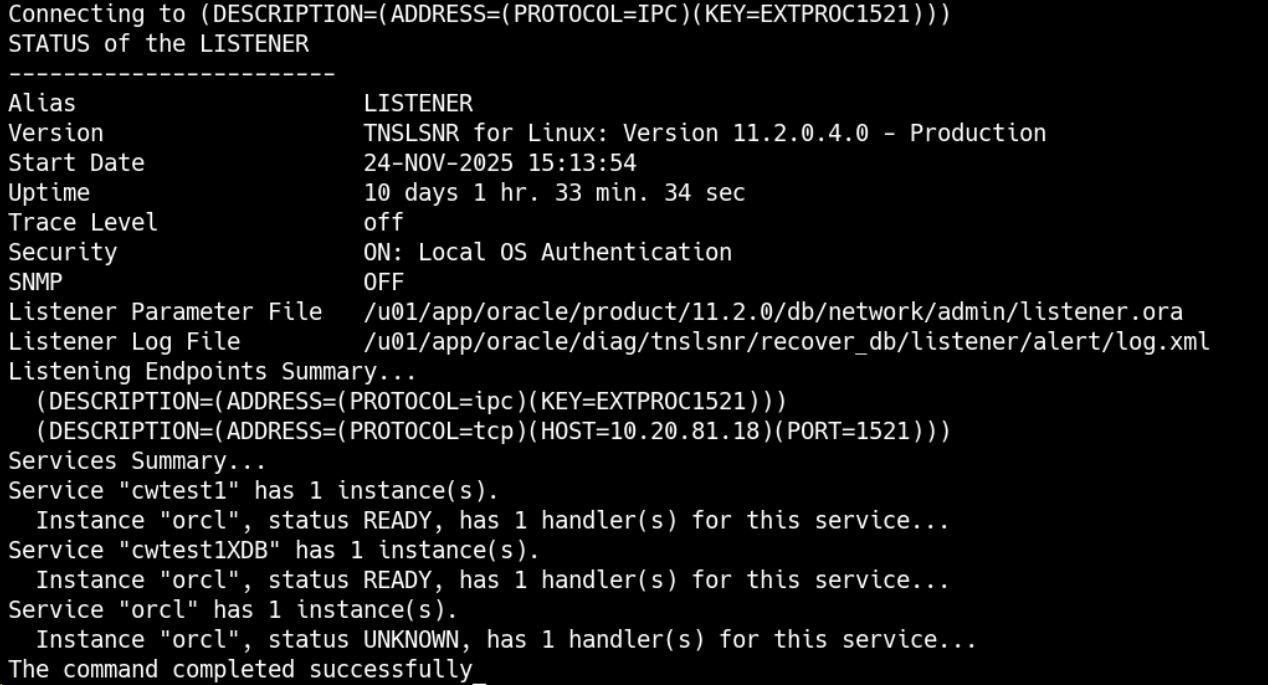
本次恢复遇到的问题:
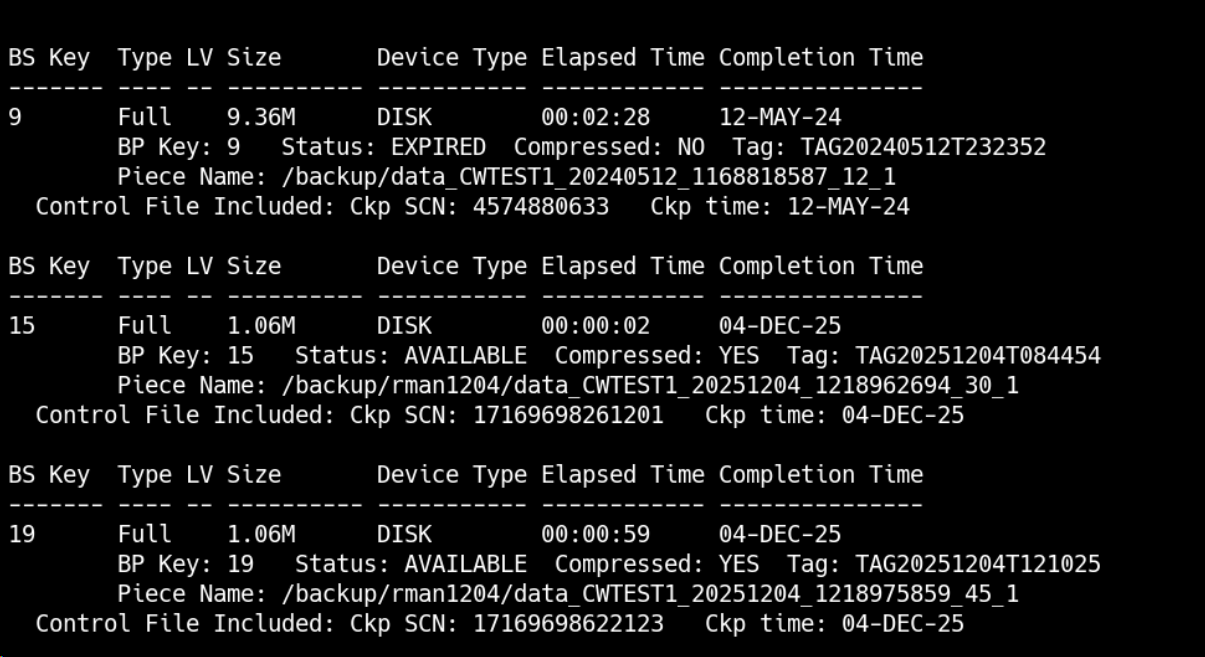
1.备份数据库时没有同时备份控制文件,导入时使用最新的备份文件,有时间差
2.归档缺失一部分
3.在初次恢复失败后没有彻底清理干净环境
4.recover归档之前也需要catlog归档目录
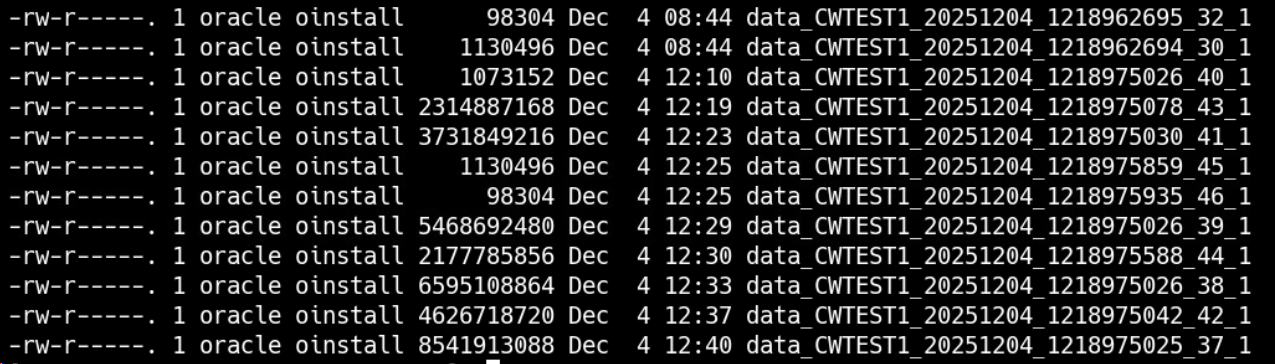
使用rman备份源端数据库并把备份传到目标端
run {
allocate channel c1 device type disk;
allocate channel c2 device type disk;
allocate channel c3 device type disk;
allocate channel c4 device type disk;
allocate channel c5 device type disk;
allocate channel c6 device type disk;
BACKUP AS COMPRESSED BACKUPSET  database include current controlfile format '/backup/rman1204/data_%d_%T_%t_%s_%p';
release channel c1;
release channel c2;
release channel c3;
release channel c4;
release channel c5;
release channel c6;
}
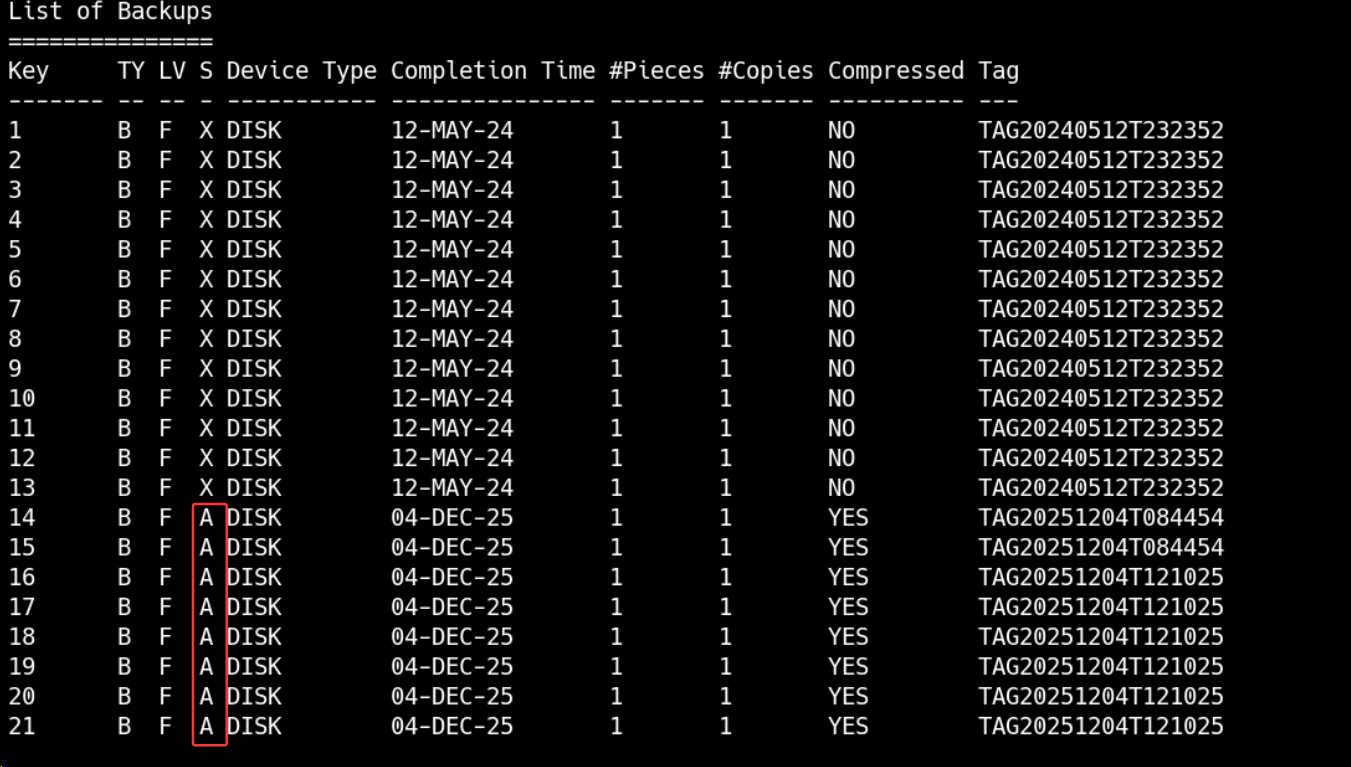
检查备份与控制文件可用性
CROSSCHECK BACKUPSET;
list backup of controlfile;
LIST BACKUP SUMMARY;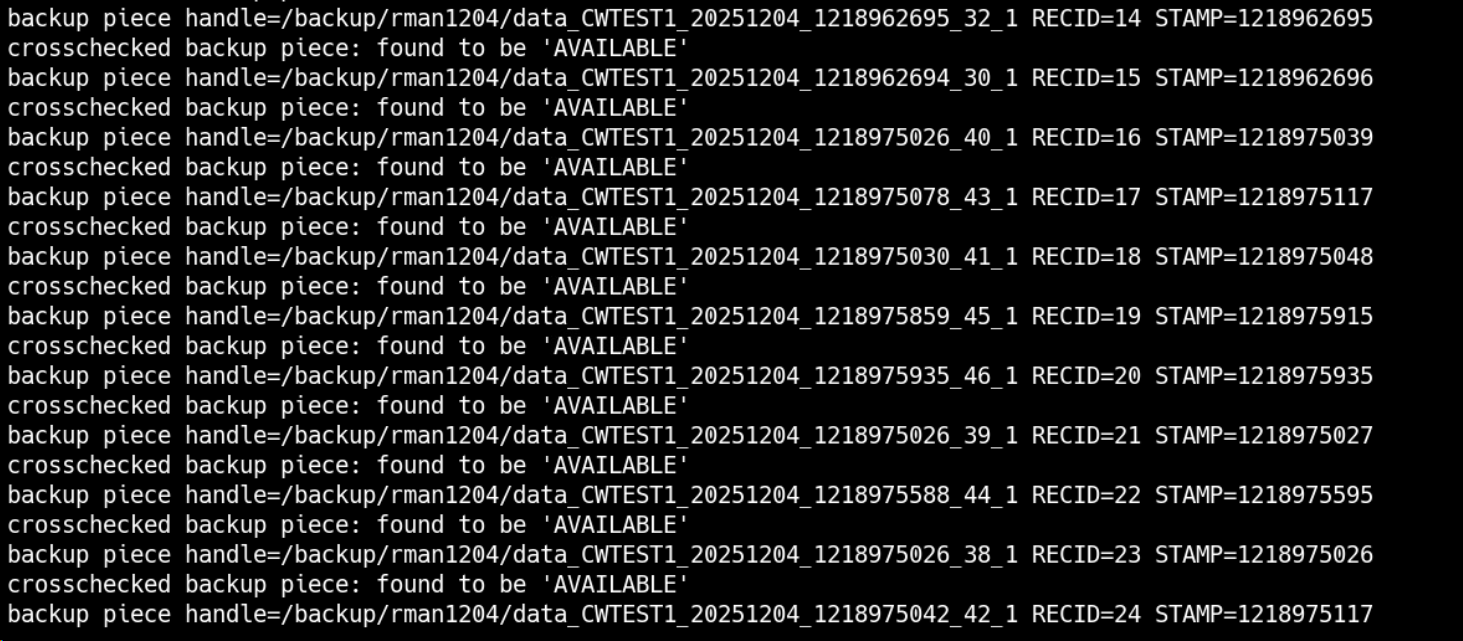
源端创建 pfile
create pfile='/home/oracle/exitpfile_1204.ora' from spfile;
strings pfile1204.ora
源端拷贝密码文件
cd $ORACLE_HOME/dbs
scp orapwcwtest1 oracle@10.20.81.18:/u01/app/oracle/product/11.2.0/db/dbs
目标端创建 pfile 参数文件
需要查看所有的路径是否存在,如果不存在需要创建
ll /u01/app/oracle/admin/cwtest1/adump
mkdir -p /u01/app/oracle/admin/cwtest1/adump
ll /backup/archivelog
mkdir -p /backup/archivelog
ll /u01/app/oracle/oradata/cwtest1/
mkdir -p /u01/app/oracle/oradata/cwtest1/
ll /u01/app/oracle/fast_recovery_area/cwtest1/
mkdir -p /u01/app/oracle/fast_recovery_area/cwtest1/
cwtest1.__db_cache_size=26709327872
cwtest1.__java_pool_size=268435456
cwtest1.__large_pool_size=536870912
cwtest1.__oracle_base='/u01/app/oracle'#ORACLE_BASE set from environment
cwtest1.__pga_aggregate_target=4294967296
cwtest1.__sga_target=36507222016
cwtest1.__shared_io_pool_size=0
cwtest1.__shared_pool_size=8589934592
cwtest1.__streams_pool_size=0
*._clusterwide_global_transactions=FALSE
*._gc_policy_time=0
*._gc_undo_affinity=FALSE
*._optimizer_connect_by_cost_based=FALSE
*._optimizer_extended_cursor_sharing='NONE'
*._optimizer_extended_cursor_sharing_rel='NONE'
*._optimizer_join_elimination_enabled=FALSE
*._PX_use_large_pool=TRUE
*._serial_direct_read='NEVER'
*._use_adaptive_log_file_sync='FALSE'
*.audit_file_dest='/u01/app/oracle/admin/cwtest1/adump'
*.audit_trail='NONE'
*.compatible='11.2.0.4.0'
*.control_files='/u01/app/oracle/oradata/cwtest1/control01.ctl','/u01/app/oracle/fast_recovery_area/cwtest1/control02.ctl'
*.db_block_size=8192
*.db_cache_size=18253611008
*.db_domain=''
*.db_files=1024
*.db_name='cwtest1'
*.db_recovery_file_dest_size=4385144832
*.db_recovery_file_dest=''
*.deferred_segment_creation=FALSE
*.diagnostic_dest='/u01/app/oracle'
*.dispatchers='(PROTOCOL=TCP) (SERVICE=cwtest1XDB)'
*.enable_ddl_logging=FALSE
*.large_pool_size=536870912
*.log_archive_dest_1='LOCATION=/backup/archivelog/'
*.log_archive_dest_state_1='ENABLE'
*.log_buffer=209715200
*.open_cursors=3500
*.parallel_force_local=TRUE
*.pga_aggregate_target=4294967296
*.processes=4500
*.recyclebin='OFF'
*.remote_login_passwordfile='EXCLUSIVE'
*.session_cached_cursors=350
*.sga_max_size=36507222016
*.sga_target=36507222016
*.shared_pool_size=8589934592
*.undo_retention=86400
*.undo_tablespace='UNDOTBS1'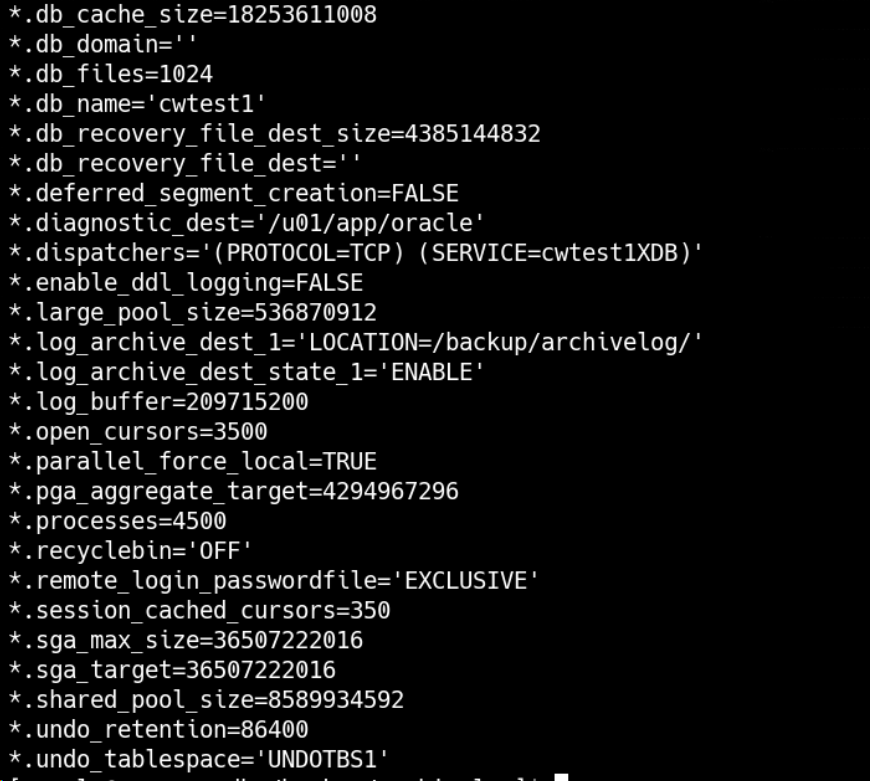
删除实例
dbca -silent -deleteDatabase -sourceDB orcl如果删除实例失败,则清理数据文件、快速闪回区、归档目录、还有redo.log的目录
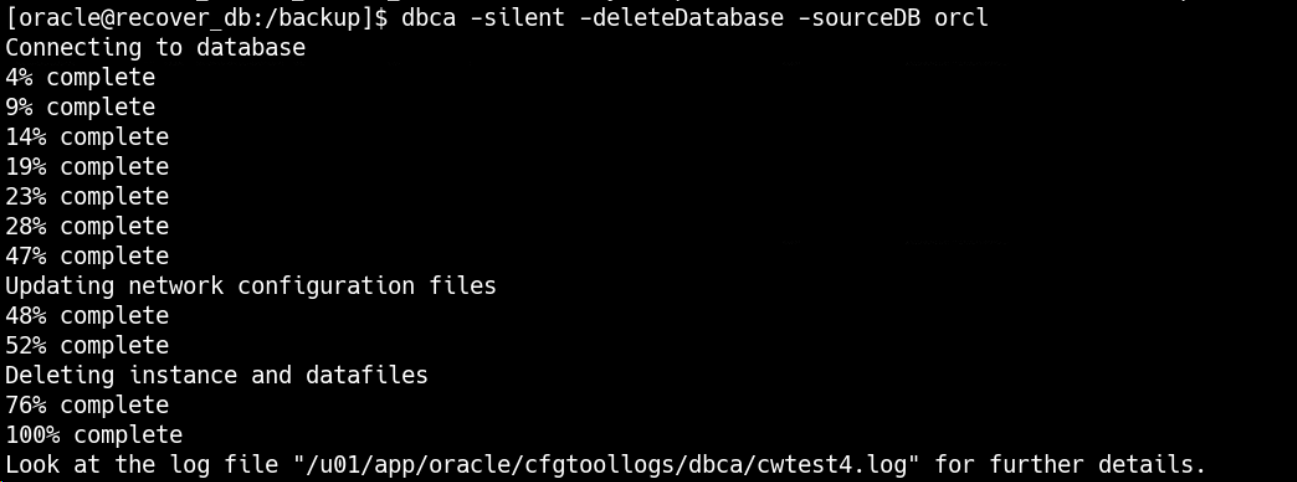
需要查询对应目的库 的实际目录
rm -f /u01/app/oracle/admin/cwtest1/adump/
rm -f /u01/app/oracle/oradata/cwtest1/
rm -f /backup/archivelog
rm -f /u01/app/oracle/admin/cwtest1/adump
rm -f /oradata/*.dbf
目标端使用新建的 pfile 参数文件开启到 mount 模式:
create spfile from pfile='/home/oracle/pfile_1204.ora';
startup nomount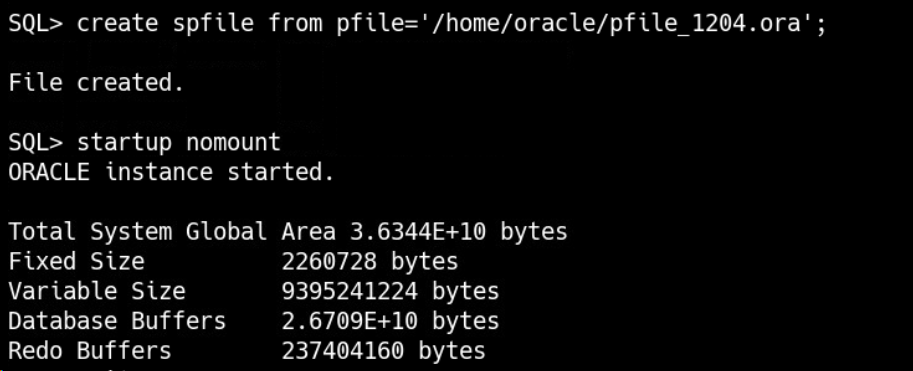
目标端恢复控制文件
源端查询和数据库一起备份的控制文件名称
 list backup of controlfile;
 查找与备份时间一致的控制文件
rman target /
restore controlfile from '/backup/rman1204/data_CWTEST1_20251204_1218962694_30_1';
alter database mount;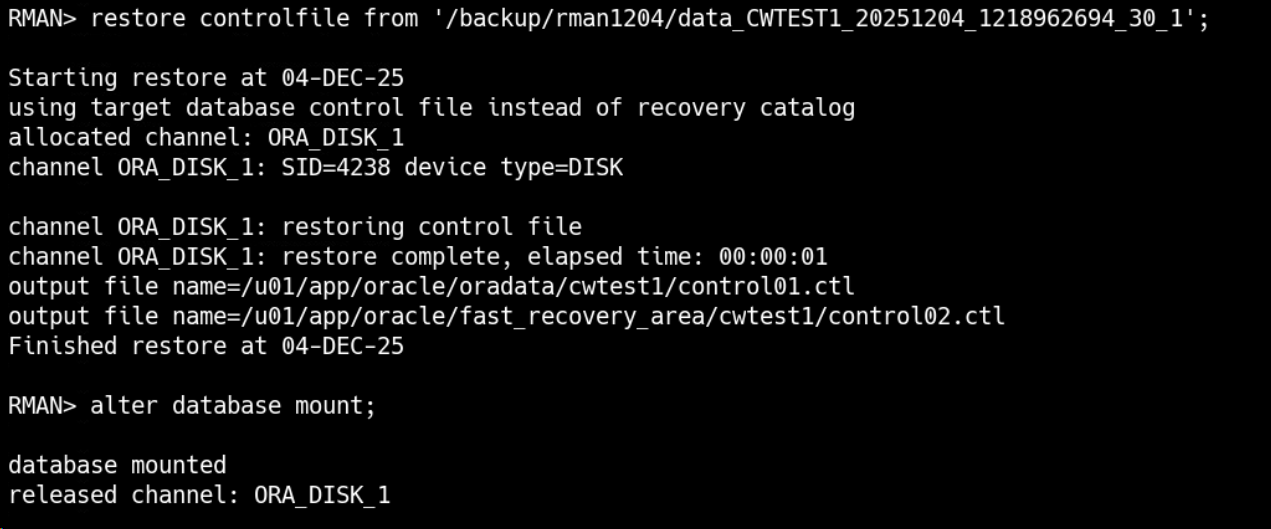
目标端注册备份集
catalog start with '/backup/rman1204';开始恢复数据
nohup rman target / log=/backup/rman1204/full_$(date +%F).log <<EOF &
run {
allocate channel c1 device type disk;
allocate channel c2 device type disk;
allocate channel c3 device type disk;
allocate channel c4 device type disk;
restore database;
recover database;
}
EOF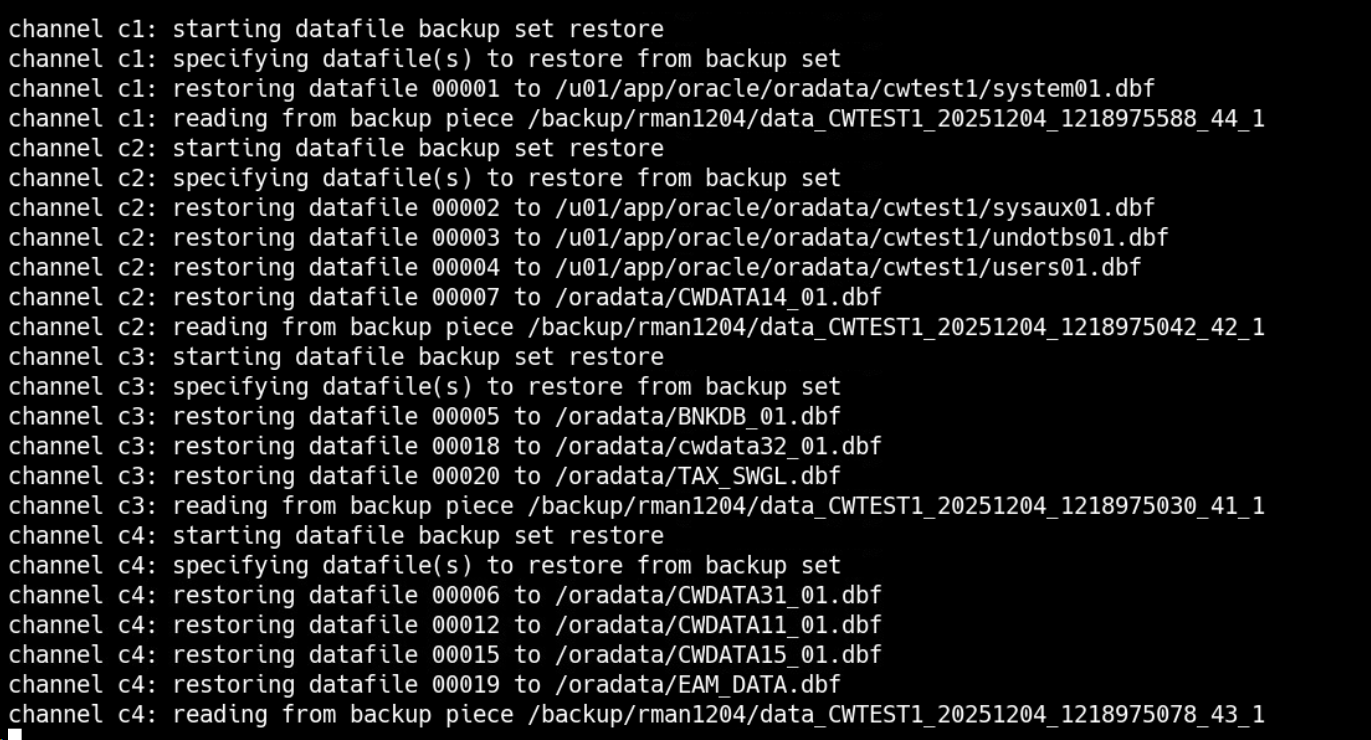
如果遇到以下下报错可以继续进行后续步骤
RMAN-00571
RMAN-00569
RMAN-00571
RMAN-03002
RMAN-06054:media recovery requesting unkonw archived log for thread 1 with sequence 20 andstarting scn of 17169684877399;
rename 重做日志文件和临时文件名称
set line222
set pagesize1000
select 'alter database rename file '''|| member || ''' to ''' || member || ''';' from v$logfile
union all
select 'alter database rename file '''|| name || ''' to ''' || name || ''';' from v$tempfile;


确认文件
set line222
set pagesize1000
select name from v$datafile
union all
select name from v$tempfile
union all
select member from v$logfile;
开启数据库
alter database open resetlogs;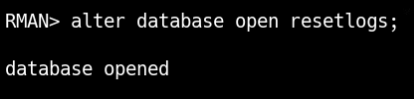
如果上述执行打开目标端数据库到 resetlogs 状态执行报错,说明需要手动 recover 归档日志,源端拷贝所需归档日志至目标端,分为两种情况:
归档日志在源端归档目录还能找到
归档日志已经被备份后并在本地删除
源端:
cd /backup/archivelog
scp * oracle@10.20.81.18:/backup/archivelog
目标端
catalog start with '/backup/archivelog';
run {
allocate channel c1 device type disk;
allocate channel c2 device type disk;
allocate channel c3 device type disk;
recover database;
}

alter database open resetlogs;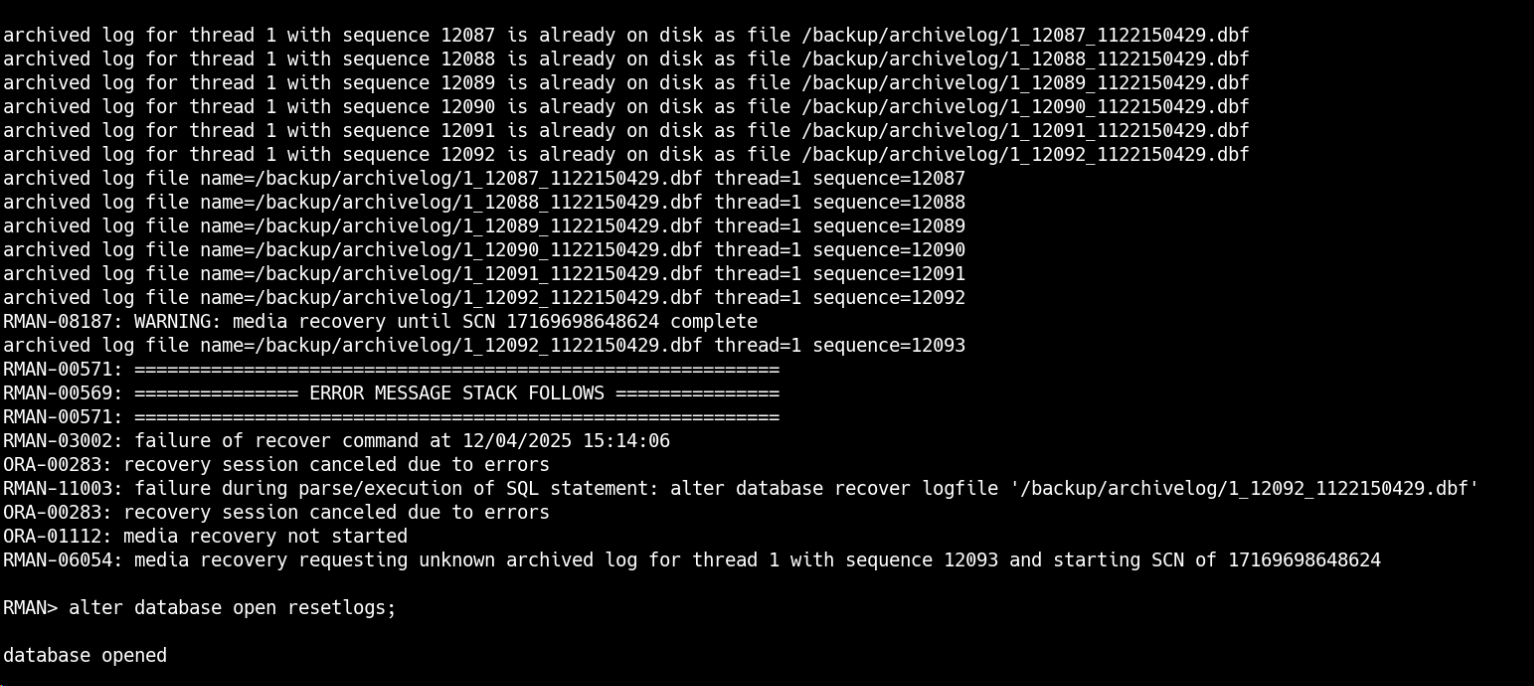
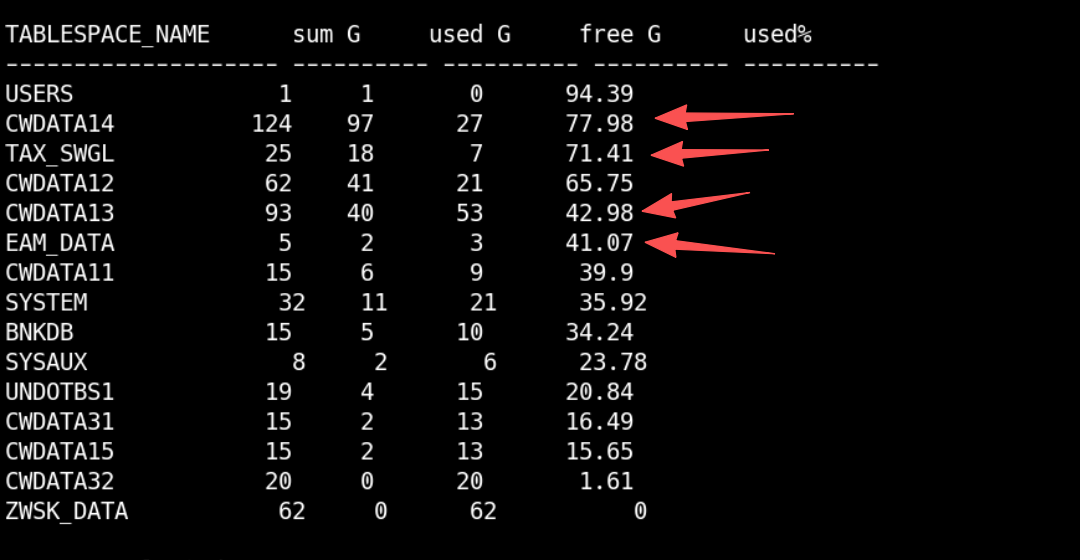
查询表空间使用率
查询数据库状态
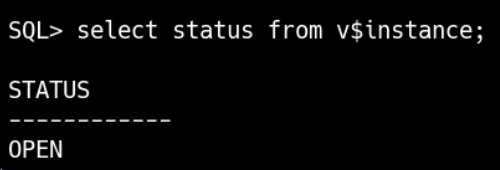
监听正常